

Air India Wi-Fi: Availability, Pricing & How to Connect Onboard

Rohit Verma
December 1, 2025
Know about Air India WiFi service. Availability, pricing, how to connect & inflight entertainment. Complete Air India connectivity guide.
Stay Connected at 35,000 Feet
Air India, India's flag carrier, has been modernizing its fleet and services to match global standards. One significant addition is in-flight WiFi connectivity on select aircraft, allowing passengers to stay connected with work, family, and entertainment while flying across continents. As more travelers require internet access for work and personal communication, Air India's WiFi service has become an important consideration when booking flights.
The availability of in-flight internet varies considerably across Air India's fleet. Unlike some international carriers that offer WiFi on most long-haul flights, Air India's WiFi coverage is currently limited to specific aircraft types and routes. This guide provides comprehensive information about where WiFi is available, how much it costs, how to connect, and what you can realistically expect from the service.
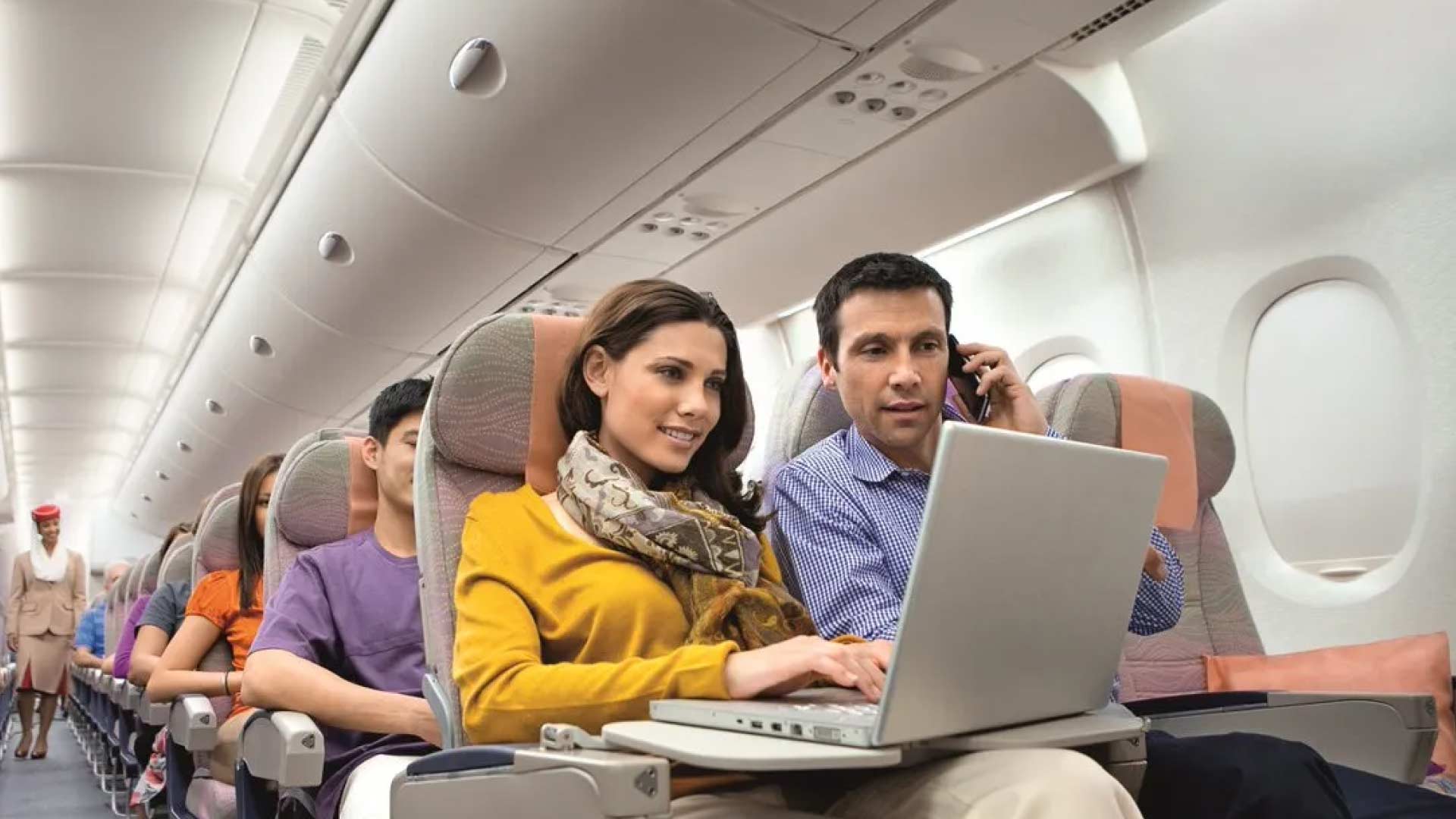
Understanding Air India's WiFi offerings helps you plan your travel better. If staying connected is essential for your journey, you'll want to choose flights equipped with internet connectivity. This is particularly important for business travelers who need to respond to emails, attend virtual meetings, or work on documents during long flights. Leisure travelers may also value WiFi for streaming entertainment, staying in touch with family, or sharing travel updates on social media.
WiFi Availability & Routes
Air India's in-flight WiFi service is primarily available on modern aircraft in the fleet, specifically the Boeing 787-8 Dreamliner and select Airbus A320neo aircraft. The service is not yet available on all planes, so availability depends entirely on which aircraft is assigned to your route. Aircraft assignments can change, making it essential to check WiFi availability when booking and again closer to your departure date.
International Routes: WiFi is most commonly available on long-haul international flights operated by Boeing 787 Dreamliners. These include routes from Delhi and Mumbai to major international destinations such as London (Heathrow), Paris, Frankfurt, New York (JFK and Newark), Singapore, and Tokyo. Some flights to Dubai and other Middle Eastern destinations also offer WiFi, particularly those operated by newer aircraft.
Domestic Routes: WiFi availability on domestic routes is limited and inconsistent. Some flights on metro routes such as Delhi-Mumbai, Delhi-Bangalore, and Mumbai-Bangalore may offer WiFi if operated by A320neo aircraft. However, don't assume WiFi will be available on domestic flights – always check when booking. Domestic WiFi services are typically more limited in speed and capability compared to international services.
How to Check Availability: When booking on Air India's website, flights with WiFi are typically marked with a WiFi icon. You can also check flight details using your booking reference on the Air India website or mobile app. The aircraft type is displayed in flight details – Boeing 787-8 and select A320neo aircraft indicate WiFi availability. Calling Air India reservations is the most reliable way to confirm WiFi service for a specific flight.
Growing Network: Air India has been accelerating fleet modernization under new ownership, which means WiFi availability is expanding. More aircraft are being retrofitted with connectivity systems, and new aircraft joining the fleet come equipped with WiFi. However, full fleet coverage is still years away. For now, treat WiFi as a bonus feature rather than a guaranteed service.
Pricing & Packages
Air India's WiFi pricing structure varies based on flight duration, route type (international or domestic), and the speed of connection you choose. Prices are typically displayed in US dollars for international flights and Indian rupees for domestic flights.
| Package Type | Duration | Price Range (International) | Price Range (Domestic) |
|---|---|---|---|
| Messaging | Full flight | Free - $8 | Free - ₹200 |
| Browse | 1 hour | $7 - $12 | ₹400 - ₹600 |
| Browse | Full flight | $20 - $35 | ₹900 - ₹1,500 |
| Business Class | Full flight | Complimentary | Complimentary |
Messaging Package: The most basic option typically covers messaging apps such as WhatsApp, Facebook Messenger, iMessage, and similar services. This package is sometimes offered for free on select flights, though availability varies. When not free, it's the most affordable option, perfect for travelers who only need to stay in touch via text messages without requiring full internet access.
Browse Packages: These packages provide full internet access for browsing, email, social media, and some streaming. Hourly packages work for quick email checks or urgent work. Full-flight packages offer better value for long-haul flights where you'll want connectivity throughout the journey. Speed varies based on the satellite system being used.
Business Class: Passengers traveling in Business Class on Air India typically receive complimentary WiFi access. This is not automatically applied on all flights – you may need to enter your seat number or business class code to access the free service. Check with cabin crew if you're traveling in business class and aren't sure how to access free WiFi.
Payment Methods: You can purchase WiFi packages using major credit cards (Visa, Mastercard, American Express) through the airline's internet portal. Some flights accept PayPal or other digital payment methods. Payments are processed securely through the WiFi service provider's system. Keep your card handy before connecting, as you'll need to enter payment details to activate your package.
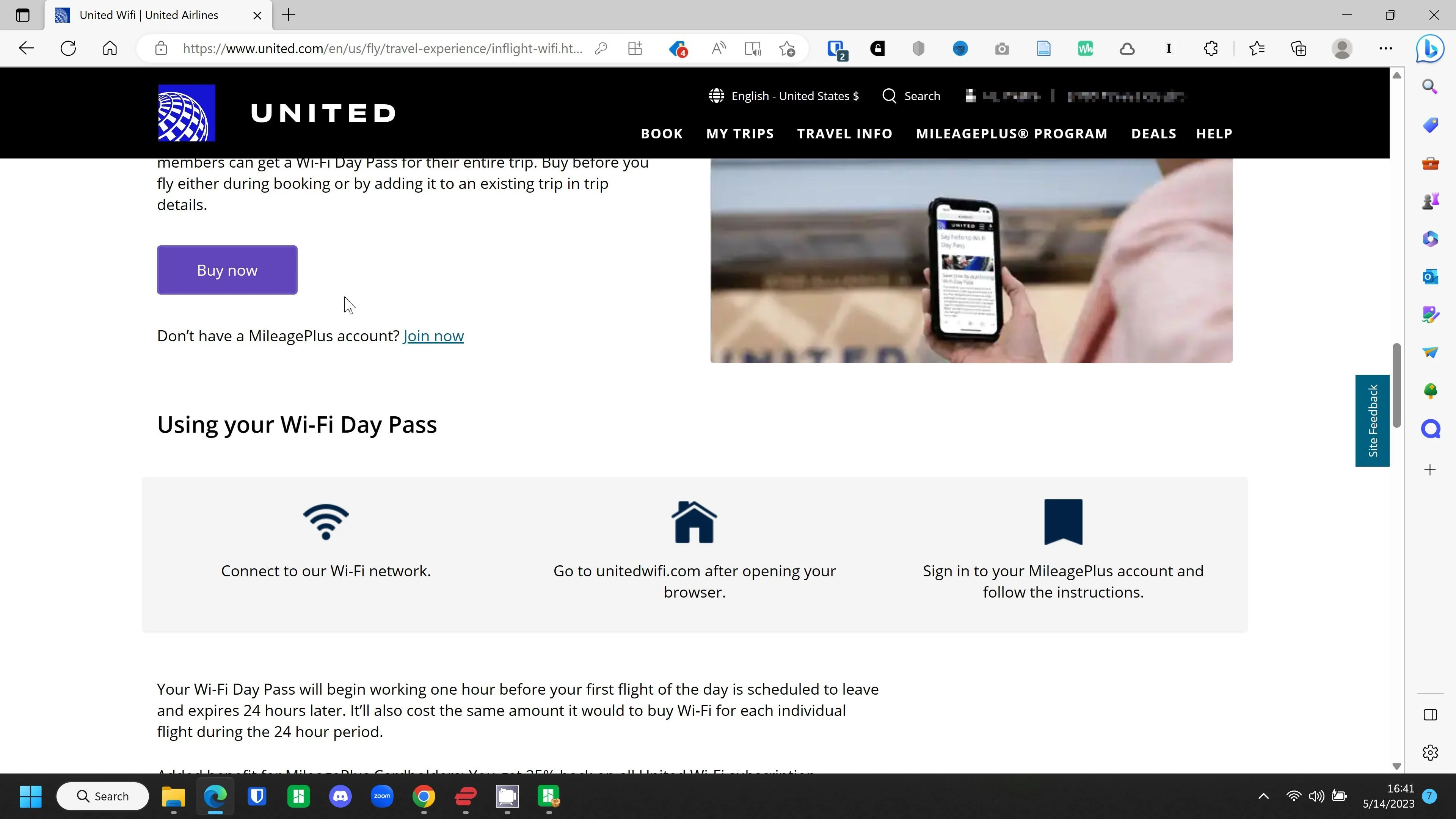
How to Connect
Connecting to Air India's in-flight WiFi is straightforward, though the exact process varies slightly based on which service provider Air India uses for your specific flight. Follow these steps once you're on board and the aircraft has reached cruising altitude.
Step 1: Enable WiFi – Once the captain announces that electronic devices are permitted (usually 10-15 minutes after takeoff), enable WiFi on your device. For smartphones and tablets, go to Settings and turn on WiFi. For laptops, ensure WiFi is enabled through your system settings or network preferences.
Step 2: Select Network – Your device will detect available networks. Look for "Air India" or similar network names in the available networks list. The exact name may vary – sometimes it's "AirIndiaWiFi" or a partner network name. Select this network to connect. Note that this network only provides a connection to the aircraft's system – you still need to purchase a package to access the internet.
Step 3: Open Browser – Open your web browser (Safari, Chrome, Firefox, etc.) on your device. The browser should automatically redirect to the Air India WiFi portal. If it doesn't, type any web address (e.g., www.airindia.com) and you'll be redirected to the portal.
Step 4: Choose Package – The portal will display available packages with prices. Select the package that suits your needs. If you're traveling in business class, look for an option to enter your seat number or confirmation code for free access.
Step 5: Make Payment – Enter your payment details through the secure payment form. Once payment is processed, your internet access should activate immediately. You may need to refresh your browser or reopen apps to start using the connection.
Supported Devices: The service works with smartphones (iOS and Android), tablets (iPad and Android tablets), and laptops (Windows and Mac). Each device requires a separate purchase unless you buy a multi-device package, which is sometimes available at a higher price point.
Limitations: Voice calls and VoIP services (such as Skype, FaceTime audio, WhatsApp voice calls) are typically blocked to maintain cabin peace. Standard WiFi calling through your mobile carrier also won't work. However, messaging apps with voice features may sometimes work if they use data instead of traditional VoIP protocols.
Security: Air India's in-flight WiFi uses encrypted connections similar to what you'd find in a coffee shop or hotel. Avoid accessing sensitive financial accounts or conducting highly confidential work over in-flight WiFi. Use a VPN if you need additional security, though VPN performance may be slower due to the connection limitations.
In-Flight Entertainment
Whether or not WiFi is available on your flight, Air India offers entertainment options to keep passengers occupied during long journeys. Understanding the entertainment system helps you plan what to download before your flight and what to expect on board.
Seatback Screens: Most Boeing 787 Dreamliners and newer Airbus aircraft feature personal seatback entertainment systems. These touch-screen systems offer a selection of movies, TV shows, music, and games. The selection includes latest Bollywood releases, Hollywood blockbusters, popular TV series, and regional content in multiple Indian languages. The systems are intuitive to use and similar to what you'd find on other full-service international carriers.
Movie Selection: Air India's entertainment library typically includes 50-100 movies at any given time, with content rotated monthly. Bollywood films are well-represented, as you'd expect from India's flag carrier. Hollywood movies include recent releases and classics. The selection also includes films from other industries including Tamil, Telugu, and Malayalam cinema.
TV Shows and Music: TV offerings include popular Indian series, international shows, and documentary content. Music playlists span Bollywood, Indian classical, Western pop, and regional genres. The music library is extensive and includes something for every taste.
No WiFi? No Problem: On flights without WiFi, or if you choose not to purchase internet access, the seatback entertainment system provides plenty of distraction. The systems work independently and don't require internet connection. Downloading content to your own device before your flight ensures you have entertainment regardless of what's available on board.
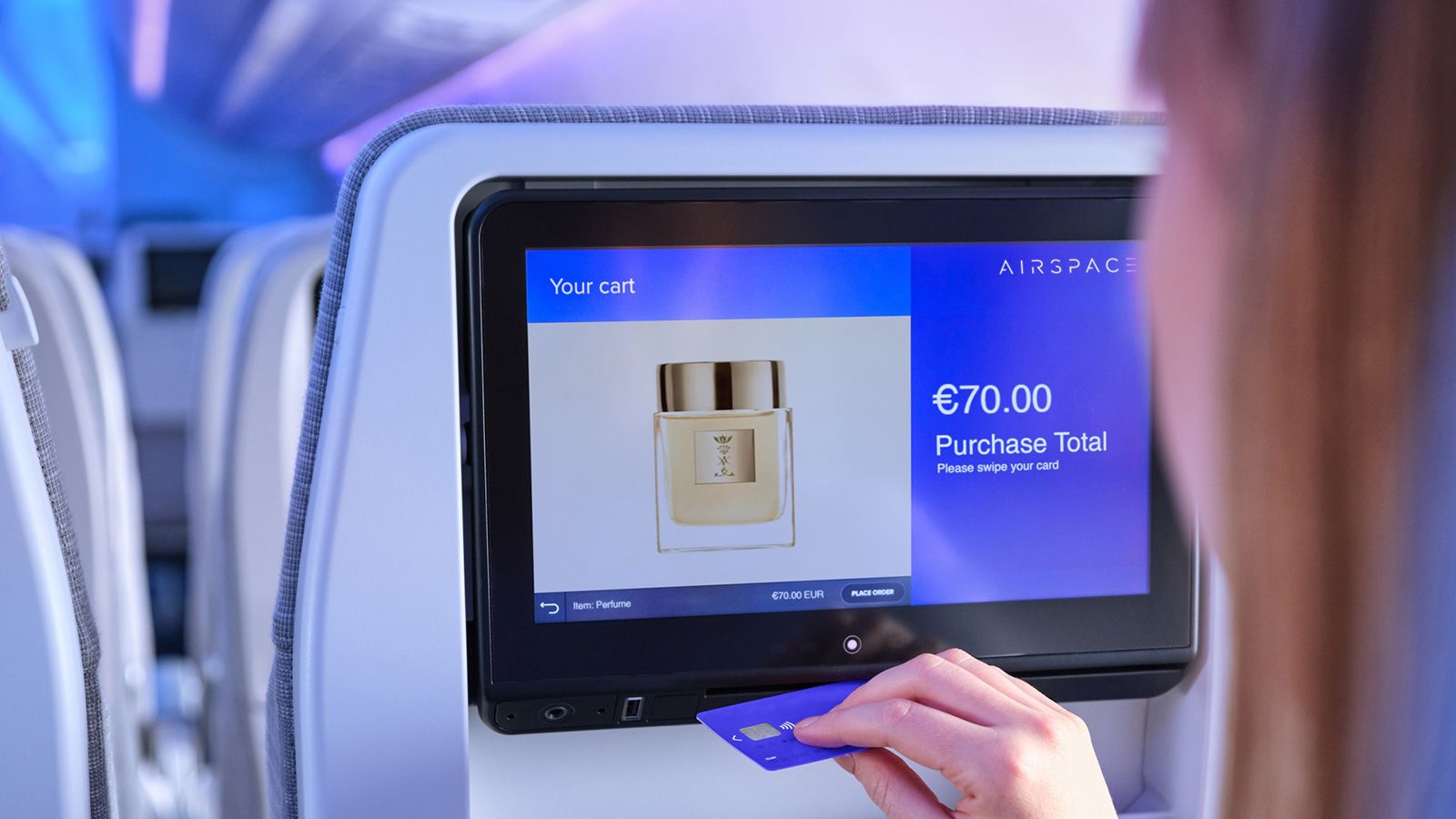
Bring Your Own Device (BYOD): On some aircraft, particularly those without seatback screens, Air India offers streaming entertainment to your personal device. This requires connecting to the aircraft's WiFi network (usually free for this purpose) and accessing content through a browser-based player. The selection may be more limited than seatback systems, but it's better than nothing.
Performance & Speed
Managing expectations about in-flight WiFi speed is important. Unlike ground-based internet, satellite-based in-flight connectivity has inherent limitations that affect performance. Understanding these limitations helps you plan what activities are feasible during your flight.
Connection Type: Air India uses satellite-based internet systems, either Ku-band or Ka-band technology. Ku-band is older technology with slower speeds and higher latency (delay). Ka-band is newer and faster, offering performance closer to ground-based broadband, though still not as fast or consistent. Which system your flight uses depends on the specific aircraft and service provider.
Realistic Speeds: On good connections with Ka-band systems, you might experience speeds of 10-20 Mbps, sufficient for streaming video, video calls (if allowed), and heavy browsing. Ku-band connections might provide 1-5 Mbps, adequate for email, basic browsing, and social media but challenging for video streaming. Both systems are subject to variability based on the satellite's position, weather conditions, and number of users.
Latency: Satellite internet has higher latency than ground connections because signals must travel to space and back. You'll notice this as a delay when clicking links or loading pages. It doesn't affect basic browsing much but makes real-time activities like gaming or video calls challenging.
Best For: Email, messaging apps, social media browsing, news reading, and light streaming work fine on most connections. Video streaming may work on Ka-band systems but could be buffering-prone. Large file downloads are possible but slow. Video calls and VoIP are typically blocked regardless of speed.
Not Suitable For: Online gaming is nearly impossible due to high latency. Large file uploads (such as backing up photos to cloud storage) may time out. High-definition video streaming may buffer excessively. Torrenting and peer-to-peer file sharing are typically blocked.
Performance Factors: WiFi speed varies based on how many passengers are using the service simultaneously. A full flight with many users will be slower than a half-empty flight. Flying over oceans may reduce the number of available satellites, potentially affecting performance. Weather conditions at ground stations (where the satellite system connects to the internet) can also affect speeds.
If you are choosing flights based on in-flight internet and airport infrastructure, compare options using international airports in India, route planning from airports in Kerala, island-trip comparisons via airports in Maldives, and long-haul prep in this India to Thailand flight guide.
Alternative Connectivity Options
When in-flight WiFi isn't available or doesn't meet your needs, several alternatives help you stay connected or at least productive during your flight. Planning ahead ensures you can work or stay entertained regardless of WiFi availability.
Offline Content: Download movies, TV shows, music, and podcasts to your devices before your flight. Netflix, Amazon Prime Video, and Spotify all offer offline download options. This guarantees entertainment regardless of in-flight WiFi quality. E-books and audiobooks are also excellent offline options for long flights.
Offline Productivity: If you need to work, prepare documents that can be edited offline. Google Docs and Microsoft Office both have offline modes. Download emails for offline reading. Prepare presentation slides or reports that don't require internet access. Plan to do your most focused, deep work during flights when distractions are minimal.
Airport WiFi: Use airport WiFi before boarding to download last-minute files, sync documents, and clear urgent emails. Most major Indian airports offer free WiFi for limited time periods (usually 30-45 minutes). Arrive early enough to take advantage of this. Some airports offer premium WiFi for a fee if you need more time or higher speeds.
Mobile Data: Mobile data typically works until the aircraft doors close and may become available again as soon as you land, sometimes before the aircraft reaches the gate. This gives you windows for urgent communications. Don't rely on this for important tasks, but use it for quick messages when available.
No Internet Workaround: If you absolutely must be reachable during your flight, consider setting up email auto-responses explaining that you'll be in-flight and unavailable. Provide emergency contact numbers if absolutely necessary. For truly critical situations, satellite phones are an option but expensive and specialized.
Accepting Disconnection: Sometimes the best approach is to accept that flights provide rare opportunities for disconnection. Use the time for reading, thinking, planning, or creative work that doesn't require internet access. Many travelers find that forced disconnection leads to their most productive or creative work periods.
Air India's WiFi service, while not yet available fleet-wide, represents the airline's commitment to modernization and passenger comfort. By understanding where WiFi is available, how much it costs, and what to expect from the service, you can make informed decisions about flight bookings and plan your in-flight time accordingly. As Air India continues to expand and upgrade its fleet, in-flight connectivity will become more consistent and reliable, eventually matching global standards. Until then, treat WiFi as a welcome bonus when available and have alternative plans for staying entertained and productive when it's not.
Location
Frequently Asked Questions
Q1.Does Air India have WiFi on flights?
Q2.Is Air India WiFi free or paid?
Q3.Which Air India flights have WiFi?
Q4.How to connect to Air India WiFi?
Q5.What is the speed of Air India WiFi?
Q6.Can I stream videos on Air India WiFi?
Q7.How much does Air India WiFi cost?
Q8.Is WiFi included in business class on Air India?
Recommended For You

Best Time to Visit London: Weather, Events & Money-Saving Tips
Complete month-by-month guide to the best time to visit London UK. Learn about weather patterns, events, crowds, costs & insider tips for each season to plan your perfect London trip.

International Airports in India: Full List by State & City
Discover all international airports in India! Get complete list, state-wise details, busiest airports, new airports, and comprehensive guide to Indian aviation.
Passport Renewal in India: Online Process, Documents & Fees
Complete guide to renewing your Indian passport online. Check documents required, fees, Tatkal vs Normal processing, appointment booking & police verification process.
Never Miss an Adventure
Get the latest trekking guides, travel tips, and exclusive offers delivered straight to your inbox.